Copier and Printer Solutions for Law Firms: Document Security, Volume, and Compliance

March 31, 2026
 340 views
 0 comments
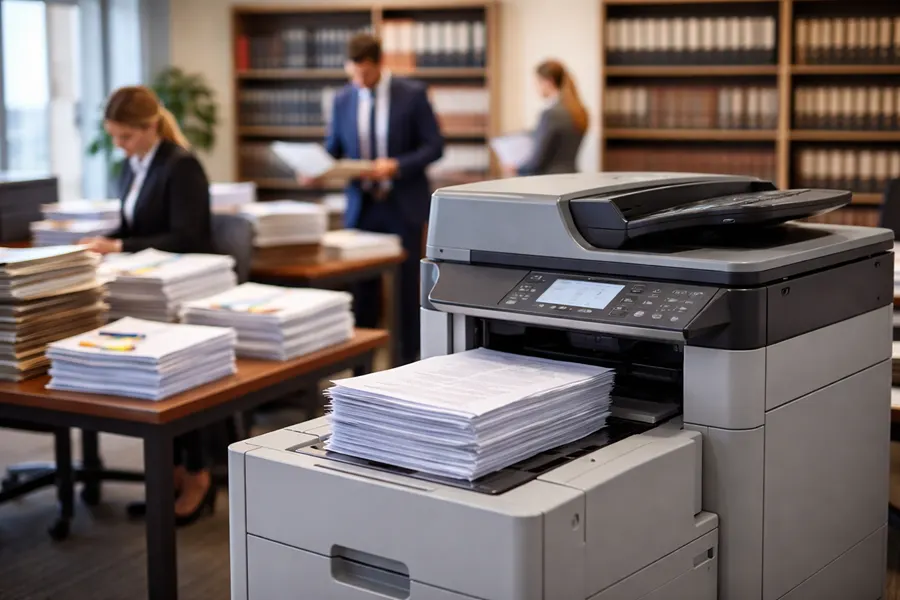
Law firms are drowning in paper. Even with digital case management systems, you’re still printing discovery documents, organizing depositions, preparing trial binders, and copying contracts. The volume is enormous. And the stakes are high because every document that moves through your office could be privileged, confidential, or critical to a client’s case.
Whether you’re in downtown Orlando, Sanford, or DeLand, choosing the right copier and printer solution means balancing capacity with security. You need equipment that can handle the volume of a growing firm without slowing down your workflow. You need security features that protect client confidentiality and comply with your professional obligations. And you need a vendor who understands the legal profession.
Let’s talk about what actually matters when you’re selecting copier and printer solutions for your law firm.
Understanding the Volume Challenge
A typical law firm with 10 to 15 attorneys generates somewhere between 15,000 to 50,000 pages per month. Litigation firms? They’re easily pushing 75,000 to 150,000 pages monthly. Discovery alone can generate enormous print jobs. You might be printing thousands of pages of documents for a single case.
If your copier can’t handle that volume, you get bottlenecks. Attorneys waiting for printouts. Staff managing jams and maintenance calls. Deadlines getting missed because you’re dealing with equipment failures.
The right solution means having equipment rated for your actual usage. Monthly page volume, peak hour demand, and the size of your print jobs all matter. Too much capacity and you’re paying for features you don’t need. Too little and you’re creating problems.
Smart Technologies of Florida works with law firms across Florida to understand their actual volume and recommend solutions that handle peak load without stress.
Duplex Printing and Speed Are Non Negotiable
Duplex printing means printing on both sides of the page automatically. For a law firm, this isn’t a nice to have. It’s essential. A 500 page contract becomes 250 pages when you’re printing two sided. That’s a massive savings in paper costs, storage, and shipping weight.
Speed matters too. You need printers that can produce 45 to 60 pages per minute minimum. With discovery document printing, you might have print jobs that are thousands of pages long. Equipment that’s slow means hours of waiting.
When you’re preparing a trial brief on a Monday morning and discovery documents arrive Sunday night, speed is the difference between making your deadline and missing it.
Scanning and Document Management Workflows
The scanning functionality on modern copiers has become critical to law firm operations. Here’s why: you receive hundreds of pages of documents that need to be organized into your case management system. Having a copier that scans 60 to 80 pages per minute into searchable PDFs is a massive time saver.
Look for these scanning features:
- Automatic document feeders (ADF) that handle 80 to 100 pages without stopping
- Optical character recognition (OCR) that makes scans searchable
- Ability to scan directly to email, file servers, or cloud storage
- Batch scanning that separates documents automatically
- Integration with case management systems like Time Matters or NetDocuments
When a copier can integrate with your legal software, scanned documents go directly into the correct case file. No manual sorting. No mistakes. This kind of workflow integration saves your team hours every week.
Document Confidentiality and Lock and Release Printing
Client confidentiality is a cornerstone of the legal profession. It’s also a professional obligation. When sensitive documents sit in a printer output tray waiting to be picked up, you’re creating a security vulnerability.
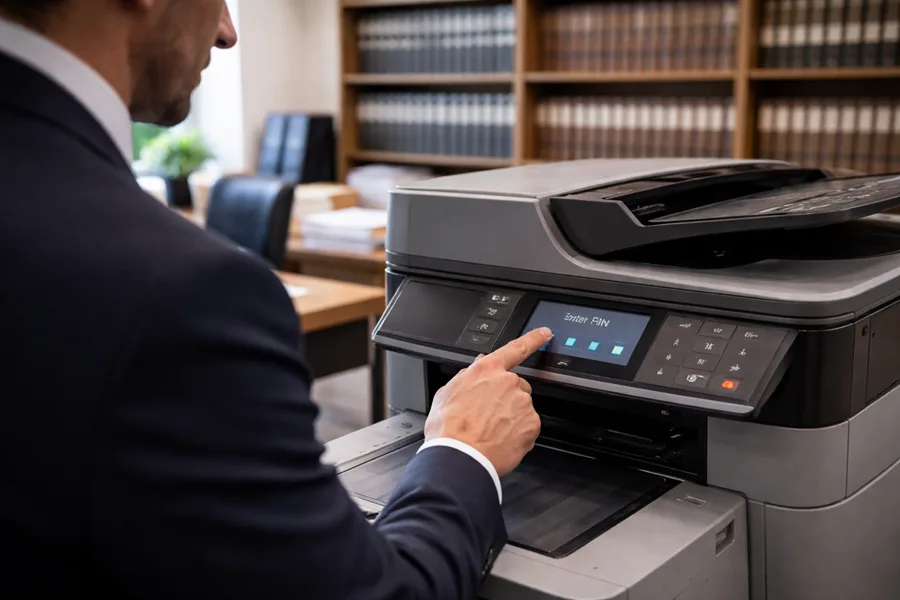
This is where lock-and-release printing comes in. Documents don’t print until the authorized user enters their PIN at the copier. This means:
- Sensitive case files never sit unattended in the output tray
- Only the person who sent the job can retrieve it
- You have an audit trail of who printed what and when
- Confidential documents are never accidentally left behind
Every firm should have this feature enabled as standard practice. The cost is minimal. The security benefit is enormous.
Hard Drive Security and Data Encryption
Modern multifunction copiers have hard drives that store images of every document that’s been copied, scanned, or faxed. That hard drive could contain years of client files, settlement documents, and confidential communications.
If that drive isn’t encrypted, anyone with physical access to the copier could potentially recover sensitive documents. This is a serious confidentiality breach and a violation of your professional obligations under the rules of professional conduct.
Ensure your copier includes:
- AES 256 bit encryption on the hard drive
- Automatic overwrite of documents after printing or copying
- Ability to manually wipe all data on demand
- Documentation of data deletion for your records
When the lease ends, request a Certificate of Data Destruction proving that all files have been securely erased.
Managing Document Retention Compliance
Law firms have strict rules about document retention. You can’t just delete client files on a whim. You have to maintain them for a specific period and then securely destroy them.
Your copier plays a role in this compliance picture. Modern systems create detailed audit logs that track:
- Which documents were scanned and when
- Who accessed stored documents
- When documents were copied or faxed
- When documents were deleted from the system
These audit logs become evidence that you’ve followed retention policies. If a client asks you to produce all correspondence about their matter from the past five years, your copier logs help you do exactly that.
Cost Control and Equipment Planning
Leasing is often better than buying for law firms. Here’s why: your volume changes as you grow or as cases settle. A leasing arrangement gives you flexibility. You can add equipment during litigation surges and reduce during slower periods.
Leasing also means maintenance is included. Equipment breaks, and when it does, we fix it. No unexpected repair bills. No waiting for parts. We have trained technicians ready to support your firm.
For a firm in downtown Orlando, Sanford, or DeLand, local support matters. When your copier goes down the day before trial prep, you need someone who can arrive quickly.
Integration with Your Existing Systems
Your law firm probably uses case management software. Maybe you’re on NetDocuments. Maybe you use Time Matters or Clio. Whatever system you use, your copier should integrate with it.
When integration is seamless, documents scanned at the copier automatically route to the correct case file. Metadata gets populated correctly. Your team spends less time on data entry and more time on legal work.
Before you commit to equipment, ask about integration capabilities. Does it work with your current software? Can we set up automatic document routing?
The Bottom Line
The right copier and printer solution for a law firm isn’t just about specs and speed. It’s about understanding how your firm works. It’s about document security, compliance, and integration with the systems you depend on every day.
Smart Technologies of Florida has been supporting law firms for over 25 years. We know what works and what doesn’t. We understand confidentiality. We understand volume. And we’re committed to giving your firm the equipment and support you need to practice law effectively.
If you’re in downtown Orlando, Sanford, DeLand, or anywhere in central Florida and you want to talk about optimizing your document workflow, let’s have a conversation.
Frequently Asked Questions
Ready to Find the Right Copier Solution?
Smart Technologies of Florida has served Central Florida businesses since 1999. Call us at (386) 252-2292 for a free, no-obligation quote, or request one online. Business Transformation Agency.
Smart Technologies of Florida | 771 Fentress Blvd Suite 10, Daytona Beach, FL 32114 | (386) 252-2292 | smarttechfl.com
Related Posts

— What Does Collate Mean in Printing? Collated vs. Uncollated Explained

— Advanced Imaging Solutions: 5 Ways Document Imaging Benefits Your Business