Gainesville Commercial Copiers & Printers

February 5, 2026
 461 views
 0 comments
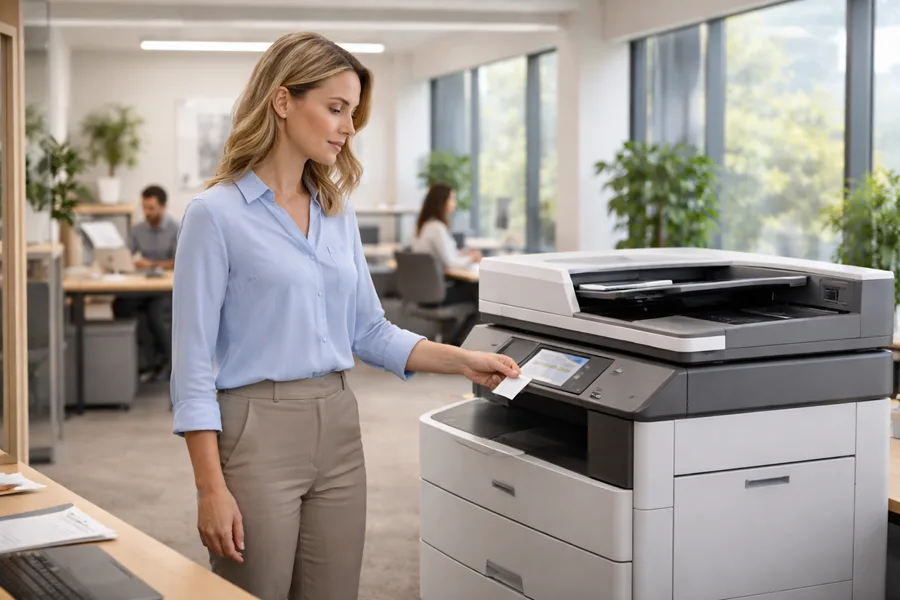
Local businesses in Gainesville depend on reliable commercial copiers and printers to keep workflows moving, protect sensitive data, and control operating expenses. This guide walks through the core equipment types—from desktop printers to wide-format systems—and gives clear, practical advice on buying, leasing, servicing, and securing devices.
You’ll learn how to weigh leasing versus purchasing, what Managed Print Services (MPS) actually do, how to choose multifunction and wide-format hardware, and where to find trusted repair and maintenance nearby. We also explain how tying printers into IT and cybersecurity reduces risk and simplifies document workflows. Each section includes actionable checklists, side-by-side comparisons, and vendor guidance so decision-makers in Gainesville can pick the right copier and printer strategy for their operations.
Why Choose Smart Technologies for Gainesville Office Equipment Solutions?
Choosing the right copier or printer comes down to reliability, responsive service, and predictable costs. Local providers that combine device expertise with broader business technology services create the most value. Smart Technologies of Florida acts as a partner in that process—delivering integrated device tech, managed print services, and manufacturer partnerships to cover your equipment needs.
Working with a single provider that consolidates supplies, performs proactive maintenance, and issues clear invoices reduces surprise expenses and improves uptime for busy offices. A strong partner will also map devices to how your teams work—pairing MFPs with document-heavy departments and wide-format units with specialized outputs. Below we outline what to expect from a capable local partner and why those capabilities matter for Gainesville operations.
What Local Expertise and Support Does Smart Technologies Offer Gainesville Businesses?
Local support matters because fast response times, on-site technicians, and a dedicated account approach minimize downtime on mission-critical devices. Smart Technologies of Florida focuses on hands-on customer service and local account management to coordinate preventive maintenance, supplies fulfillment, and timely technician dispatch when problems occur. Our vendor relationships give customers access to a broad device selection and manufacturer-backed parts, while managed services centralize reporting and billing to simplify administration. Knowing the scope of local service offerings helps you set realistic SLAs, plan for response windows, and match device selection to available support.
Which Commercial Copier and Printer Brands Are Available in Gainesville?
Gainesville businesses typically choose from well-known commercial brands covering desktop to enterprise-grade systems; brand choice should match print volume, color accuracy needs, and any specialty requirements like wide-format output. Common options include Ricoh, Konica Minolta, Canon, Xerox, HP, Kyocera, Sharp, Brother, and Epson—each offering desktop models, multifunction printers (MFPs), and wide-format machines. High-volume departments often favor durable black-and-white MFPs, creative teams prioritize color MFPs and wide-format accuracy, and mixed-use offices frequently combine desktop printers with centralized MFPs for scanning and workflow integration. Pairing brand strengths with use cases helps control total cost of ownership and keeps teams productive. With brand choices in mind, the next step is deciding how to acquire equipment—buy, lease, or subscribe.
What Are the Best Copier Leasing and Rental Options in Gainesville?
Leasing, renting, and subscription models let Gainesville organizations align device costs with cashflow and operational flexibility. The right option depends on term length, upgrade needs, and expected print volume. Short-term rentals fit project spikes or temporary sites, while long-term leases and subscription services provide predictable monthly payments and bundled support for steady operations. Key cost drivers include monthly page volumes, color versus mono printing, chosen service tiers, and whether supplies management is included. The compact comparison table below summarizes lease types by commitment, cost drivers, and best-fit scenarios to help you decide whether leasing or buying makes the most sense.
Purpose of table: compare short-term rental, long-term lease, and subscription (all-inclusive) models for Gainesville businesses.
That table shows how commitment level and included services shift cost responsibility and operational risk. Next, we compare short-term and long-term options in practical terms.
How Do Short-Term and Long-Term Copier Leases Compare for Gainesville Businesses?
Short-term rentals get equipment in place quickly for events, projects, or temporary offices and prioritize flexibility, though they usually cost more per month and offer fewer upgrade guarantees. Long-term leases lower monthly payments and often bundle maintenance and replacement options, making them better for steady, predictable volumes. Rentals suit project teams, pop-up locations, or seasonal needs; leases and subscriptions are typically a better fit for established offices that want predictable costs and less maintenance hassle. Once you pick a term type, focus on the cost drivers and negotiation points that will appear on the final quote.
What Are the Cost Factors and Benefits of Copier Leasing in Gainesville?
Leasing converts capital expenses into predictable operational payments, preserving cashflow and enabling regular technology refreshes without a large upfront outlay. Cost factors include the base monthly lease, chosen service tier, meter-based page charges, and any non-covered consumables or overages. Common benefits are easier budgeting, upgrade options through refresh clauses, and consolidated supplies and billing that reduce administrative work. To confirm savings, calculate total cost of ownership over the lease term and request itemized quotes that list included services and potential variable charges.
How Can Managed Print Services Optimize Printing for Gainesville Businesses?
Managed Print Services (MPS) centralize device monitoring, automated supply replenishment, proactive maintenance, and consolidated reporting to reduce waste, cut operating costs, and boost uptime across your fleet. MPS instruments devices with remote monitoring that tracks meter counts, error states, and supply levels so vendor teams can dispatch toner or technicians before workflows stop. Key benefits include predictable monthly billing, fewer emergency repairs through proactive maintenance, and consolidated reporting that uncovers cost centers and optimization opportunities. The table below outlines common MPS features and how they translate into real cost and efficiency gains for Gainesville organizations.
This feature map shows how an inclusive approach to print operations improves predictability and reduces hidden costs—delivering the everyday benefits MPS promises.
What Are the Key Benefits of Managed Print Services in Gainesville?
MPS delivers three practical outcomes: lower operational cost through waste reduction, better device uptime via proactive maintenance, and stronger security through managed access and monitoring. Centralized supplies and consolidated billing free staff from inventory tasks, while usage reporting pinpoints high-cost areas and opportunities to digitize workflows. Preventive maintenance reduces emergency service calls and extends device life, and security monitoring catches unauthorized access before it becomes a breach. These advantages help businesses prioritize the MPS features that matter most when evaluating vendors.
How Does Smart Technologies’ Managed Print Services Enhance Security and Cost Efficiency?
Smart Technologies of Florida offers an all-inclusive MPS program designed to remove billing surprises and centralize device oversight. We combine MPS with managed IT and cybersecurity to harden print environments—coordinating firmware patches, access controls, and centralized logging across networked devices. Our differentiators are integrated device technology, tailored business solutions, and hands-on support—aligned with MPS essentials like consolidated invoicing, vendor-managed supplies, and remote monitoring. Request a custom quote to see how an all-inclusive MPS model can fit your fleet and budget in Gainesville.
Where Can Gainesville Businesses Find Reliable Commercial Copier Repair and Maintenance?
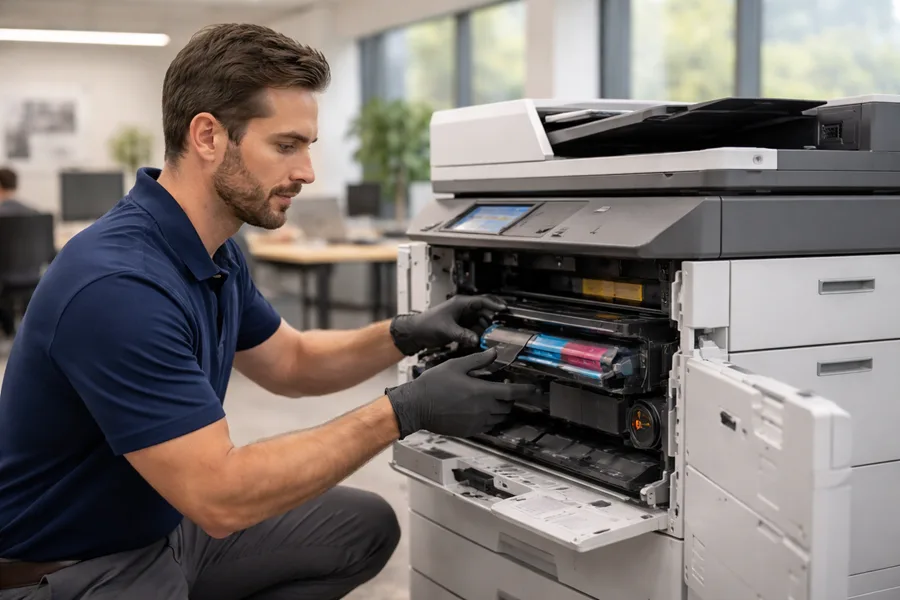
Dependable repair and maintenance start with clear service models, certified technicians, and parts availability. A strong local provider offers on-call repair, preventive maintenance plans, and defined escalation paths. Evaluate response-time guarantees, spare-parts inventory, technician certifications, and whether maintenance is bundled with supplies and monitoring. Check references, confirm coverage areas, and ensure the service model supports continuity goals like fast triage and remote diagnostics. The issue-to-resolution chart below helps IT and office managers triage common printer problems and decide when to escalate to a technician.
What Are Common Printer Issues and How Are They Resolved in Gainesville?
Common problems include paper jams, streaking or faded prints, network connectivity failures, and firmware or driver errors. Many can be resolved with standard first-response checks to avoid service calls: verify media type, run cleaning cycles, and confirm toner levels for print-quality issues; reinstall drivers or validate IP settings for network problems. Firmware faults and persistent hardware issues usually require vendor intervention and updated firmware installed by trained technicians. A clear escalation policy that separates in-house fixes from service-call triggers reduces downtime and ensures skilled technicians focus on complex repairs.
What Maintenance Plans and On-Site Support Does Smart Technologies Provide?
Smart Technologies of Florida offers preventive maintenance visits, on-site technician dispatch, and centralized service management as part of device lifecycle support. Our approach combines equipment provisioning with managed IT and cybersecurity services so firmware updates and security controls are coordinated alongside physical repairs. Clients benefit from vendor-managed supplies and remote monitoring to cut administrative overhead, plus scheduled visits to keep devices healthy. Exact plan terms are available with a tailored quote—helpful for Gainesville organizations that want minimal internal effort and maximum device uptime.
Which Multifunction and Wide Format Printers Best Serve Gainesville Offices?
Choosing between multifunction printers (MFPs) and wide-format devices depends on document types, throughput, and integration needs. MFPs consolidate scanning, copying, faxing, and printing for day-to-day office work, while wide-format printers handle large graphics and technical drawings. Key MFP attributes include scan speed, duplexing, security controls, cloud and network connectivity, and color accuracy for marketing collateral. Wide-format decisions hinge on maximum print width, media compatibility (paper, vinyl, canvas), and finishing options for signage and posters. The checklist below helps IT managers match device categories and features to department workflows.
- Scan and OCR capabilities: Essential for legal, medical, and records-heavy offices that need searchable digital copies.
- Duplex and high-volume handling: Important for back-office and multi-user environments to reduce manual steps.
- Color accuracy and wide color gamut: Needed by marketing teams producing client-facing materials.
- Max width and media versatility: Required for architecture, construction, and signage production.
These priorities set the stage for the next section on MFP features and how they improve daily workflows.
What Features Make Multifunction Printers Ideal for Gainesville Businesses?
MFPs bring scanning, copying, and network printing together with workflow features that save time—user authentication, secure-release printing, and cloud integration. Fast scan speeds and strong duplexing cut manual work for high-volume departments, while enterprise-grade drivers and network protocols make centralized deployment simple. Security options like user authentication and encrypted transmission protect sensitive documents and tie into broader IT controls to reduce data-leak risks. Choosing MFPs that integrate with common document management systems and offer dependable mobile printing ensures compatibility with modern office processes and boosts productivity.
How Do Wide Format Printers Support Specialized Business Needs in Gainesville?
Wide-format printers serve teams that need large-scale output—architecture, engineering, education, or marketing—by producing detailed drawings, banners, and posters at accurate scale. Important specs include maximum print width, supported media types (coated paper, mesh vinyl, roll substrates), and finishing options like lamination and cutting for durable signage. For design teams, color-management workflows and RIP software provide consistent reproduction across runs, while high-capacity roll feeds and strong drying systems speed production. Match device throughput and media versatility to your expected project volumes to balance cost and capability.
How Does Integration with IT and Cybersecurity Enhance Gainesville Commercial Printing?
Bringing printers into your IT and cybersecurity framework reduces operational risk by enforcing authentication, encrypting document traffic, and keeping firmware current to close vulnerability windows. Unsecured printers can be exploited to reach network data or intercept documents, so controls like secure-release printing, network segmentation, and regular firmware patching are essential. When MPS coordinates with managed IT and cybersecurity, you get centralized monitoring, faster incident response, and aligned policies for device access and logging—making printing safer and more reliable across the organization.
What Cybersecurity Measures Protect Print Environments in Gainesville?
Core security controls for print environments include user authentication, secure-release or pull printing, encryption of documents in transit, and timely firmware updates to fix known vulnerabilities. Network segmentation isolates printers from sensitive server resources, reducing lateral-movement risk, while access controls and audit logs create traceability for document handling. Coordinated monitoring from MPS and managed IT helps spot unusual device behavior and triggers alerts for security events. These measures, applied as part of a broader cybersecurity plan, significantly lower the chance of data leakage via printing workflows.
How Does Document Workflow Automation Improve Office Efficiency?
Document workflow automation captures, routes, and stores documents electronically to eliminate manual steps, speed approvals, and reduce errors—producing measurable time savings and fewer bottlenecks. Automation uses scanning with OCR to extract data, apply metadata, and route files to document management systems or cloud repositories based on rules, which makes retrieval faster and more consistent. Connecting automation to VoIP, CRM, or ERP systems streamlines cross-channel workflows and cuts duplicate data entry, improving accuracy and response times. By automating repetitive tasks, teams reclaim time for higher-value work and create audit-ready digital trails that support compliance and process improvement.
Frequently Asked Questions
What factors should Gainesville businesses consider when selecting a commercial copier or printer?
When selecting a copier or printer, consider expected monthly volume, the mix of color versus black-and-white output, and the features you need—scanning, faxing, or finishing options. Factor in total cost of ownership: purchase or lease price, maintenance, supplies, and energy use. Confirm device compatibility with your current IT systems and security policies to ensure a smooth integration.
How can businesses determine whether to lease or purchase office equipment?
Choose leasing if you want low upfront costs, flexibility to upgrade, and predictable monthly expenses. Buying can be more cost-effective long term for stable organizations with capital to invest. Compare cashflow, expected equipment lifespan, and growth plans—and run total-cost-of-ownership scenarios to see which option fits your operational and financial goals.
What are the advantages of using Managed Print Services (MPS) for document management?
MPS centralizes print management to cut costs, improve uptime, and strengthen security. It automates supplies replenishment, enables proactive maintenance, and provides consolidated reporting so you can identify cost drivers and optimization opportunities. MPS reduces administrative overhead and helps enforce security policies across all devices.
How can businesses ensure their printers are secure from cyber threats?
Harden printers by enabling user authentication, using secure-release printing, encrypting data in transit, and keeping firmware up to date. Implement network segmentation to separate printers from sensitive systems, run regular security audits, and monitor device behavior for anomalies. These steps dramatically reduce exposure to cyber threats.
What types of maintenance plans are available for commercial printers in Gainesville?
Common plans include preventive maintenance with scheduled check-ups, on-demand repair services for unexpected problems, and all-inclusive agreements that cover maintenance and supplies for a predictable monthly fee. Choose a plan based on your print volume and tolerance for downtime to keep operations running smoothly.
How do wide-format printers differ from multifunction printers in terms of functionality?
Wide-format printers are engineered for large-scale outputs—banners, posters, and technical drawings—with a focus on media versatility and color accuracy. Multifunction printers combine printing, scanning, copying, and sometimes faxing into one device for everyday office tasks. Pick the device class that matches the size, media, and throughput requirements of your work.
What role does document workflow automation play in enhancing office productivity?
Document workflow automation speeds approvals, reduces manual handling, and improves accuracy by capturing data with OCR, routing documents automatically, and integrating with other business systems. This reduces processing time, lowers error rates, and frees staff to focus on higher-value activities while maintaining a clear audit trail.
Related Posts
— Short Term Copier Rental vs. Long Term Lease: Which Makes Sense for Your Situation?
— Your Office Copier Is a Security Risk: What Most Businesses in Daytona Beach and Orlando Don’t Realize